Your website might look neat on the surface, but behind the scenes it’s totally chaotic. If that sounds familiar, you’re like many WordPress users working without a real system for their media library. This guide shows you how to organize, clean up, and optimize your WordPress media so you can get the most out of your online content.
Why a tidy media library matters
A well-organized WordPress media library keeps you sane and makes your whole team more productive. Only when you know exactly where your digital assets are located can you publish content quickly and without detours.
A tidy media library pays off in several ways:
5 tips to get the most out of WordPress
Almost everyone has that chair where T‑shirts, pants, and socks pile up even though they really belong in the closet or the laundry. If you’re not careful, your WordPress media library can quickly turn into that clothes chair.
Your media library is essentially a digital storage space for images, videos, and files and thus a source of creativity for your content. But just like that chair, it often ends up holding everything that’s urgently needed for the website. If you don’t create order right away, the chaos will get out of hand sooner or later.
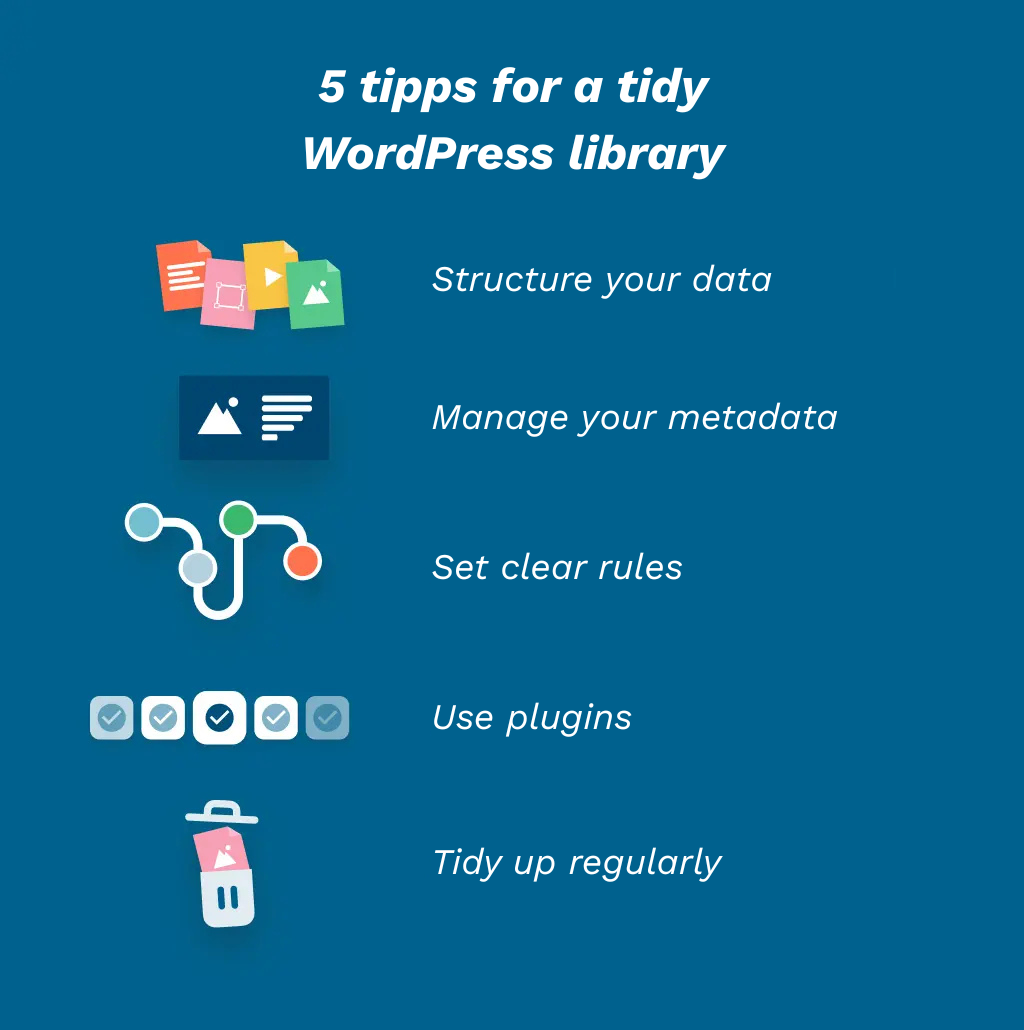
To stop that from happening, here are 5 practical tips for managing your WordPress media:
Structure your files: Create WordPress media folders to bundle files for specific areas of your website or different topics.
Maintain metadata: Add relevant metadata like titles, descriptions, and keywords to your media so you can find specific assets without scrolling endless lists. At the same time, this improves your visibility in search engines like Google.
Clean up regularly: Schedule regular cleanup sessions on your calendar and delete media you no longer need, so your site keeps running smoothly.
Set rules: Define the key steps and the right way to handle media in your library, so everyone on the team knows what to do and what the ideal workflow looks like.
Use plugins: The WordPress media library only covers the basics of media management. To create more structure like using folders you need plugins that extend its functionality.
Cleaning up the WordPress media library with pixx.io
Keeping your WordPress media library tidy takes work, but you only need one plugin to put all five tips into practice: pixx.io.
The digital asset management tool helps you organize your media in WordPress. Through a plugin, pixx.io integrates seamlessly into your website environment, so you can use media directly from the tool in WordPress and increase your workflow efficiency.
pixx.io is also an indispensable helper outside WordPress. The cloud-based storage serves as a central digital platform for all the digital assets in your company.
Here’s how pixx.io helps you organize your WordPress media library with minimal effort:
pixx.io DAM vs. WordPress file manager: key differences
|
|
|
|
|
|
limited options, usually only possible via plugins
|
creation of individual folders and collections possible
|
|
|
|
Unified search and smart filters
|
|
|
|
simple and secure collaboration within the team or with external users
|
|
|
limited options, usually only possible via plugins
|
extensive functions and templates available
|
|
|
|
extensive functions available, including integrations with external programs
|
Optimize your WordPress media library and save time
Are you on Team Clothes Chair, or would you rather be one of the WordPress users who get their content online in record time? If you want to fully tap into your CMS’s potential, use the WordPress media library plugin from pixx.io. It lets you use folders and metadata from pixx.io directly in your WordPress media library.
Your media library benefits from the tool’s features, and so do your entire content creation process and your website performance. Start your free trial now and try the plugin for yourself.
Sabrina
Sabrina writes for pixx.io about everything that concerns you in your day-to-day work and helps you to overcome challenges in content and social media marketing, image formats or compliance. When it comes to complex topics, she prepares the knowledge of media and legal experts for you in an understandable way.